1/10
Digital Freelancer Profiling App
Jan 2024 - May 2025Kimberly Baylon, Bridget Jose, Azlan Tomindug
Capstone Django platform for freelancer profile management, event participation, and support requests — coordinated through Notion Scrumban boards.
DjangoPythonCapstone ProjectHTMLCSSJavaScript
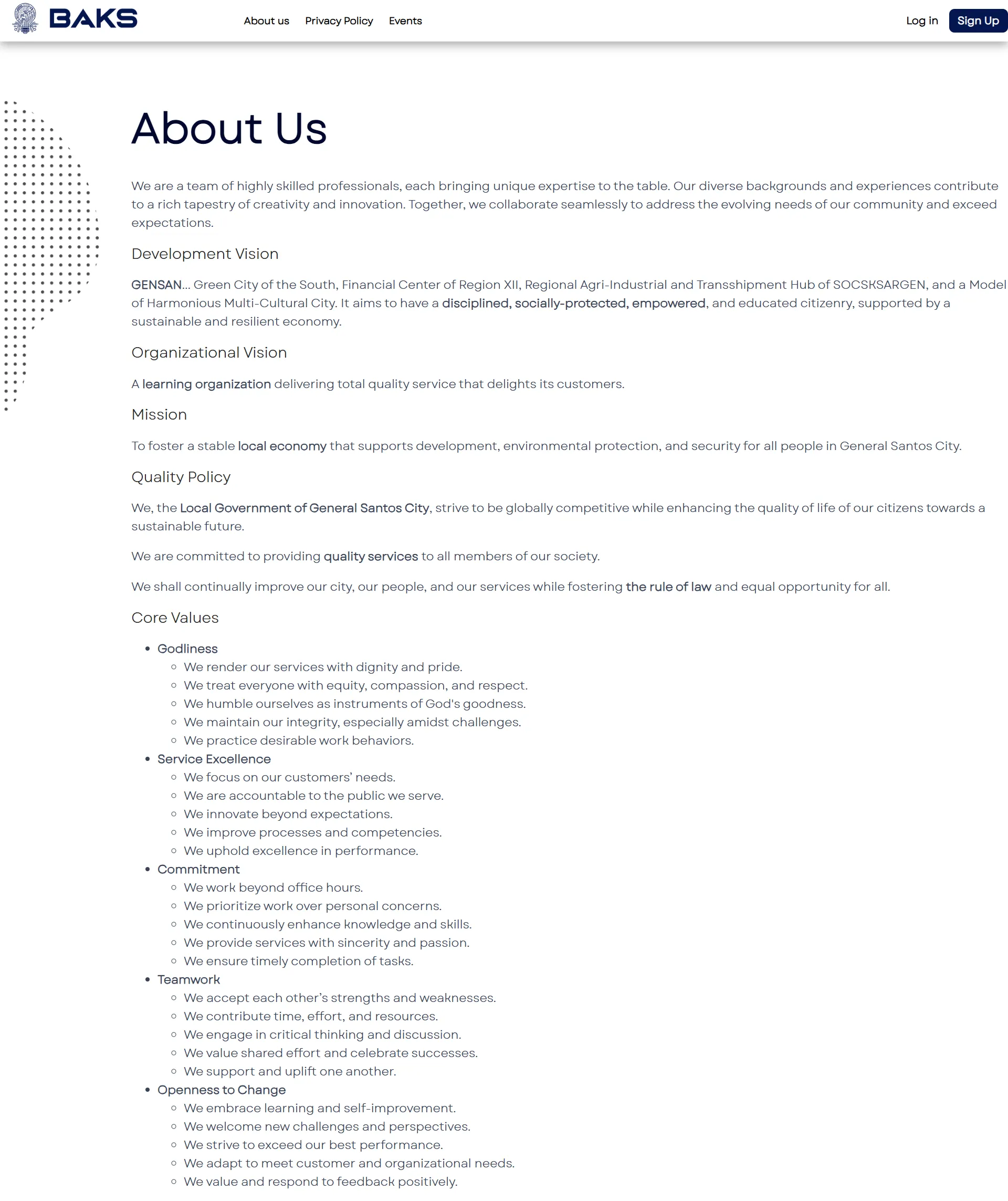
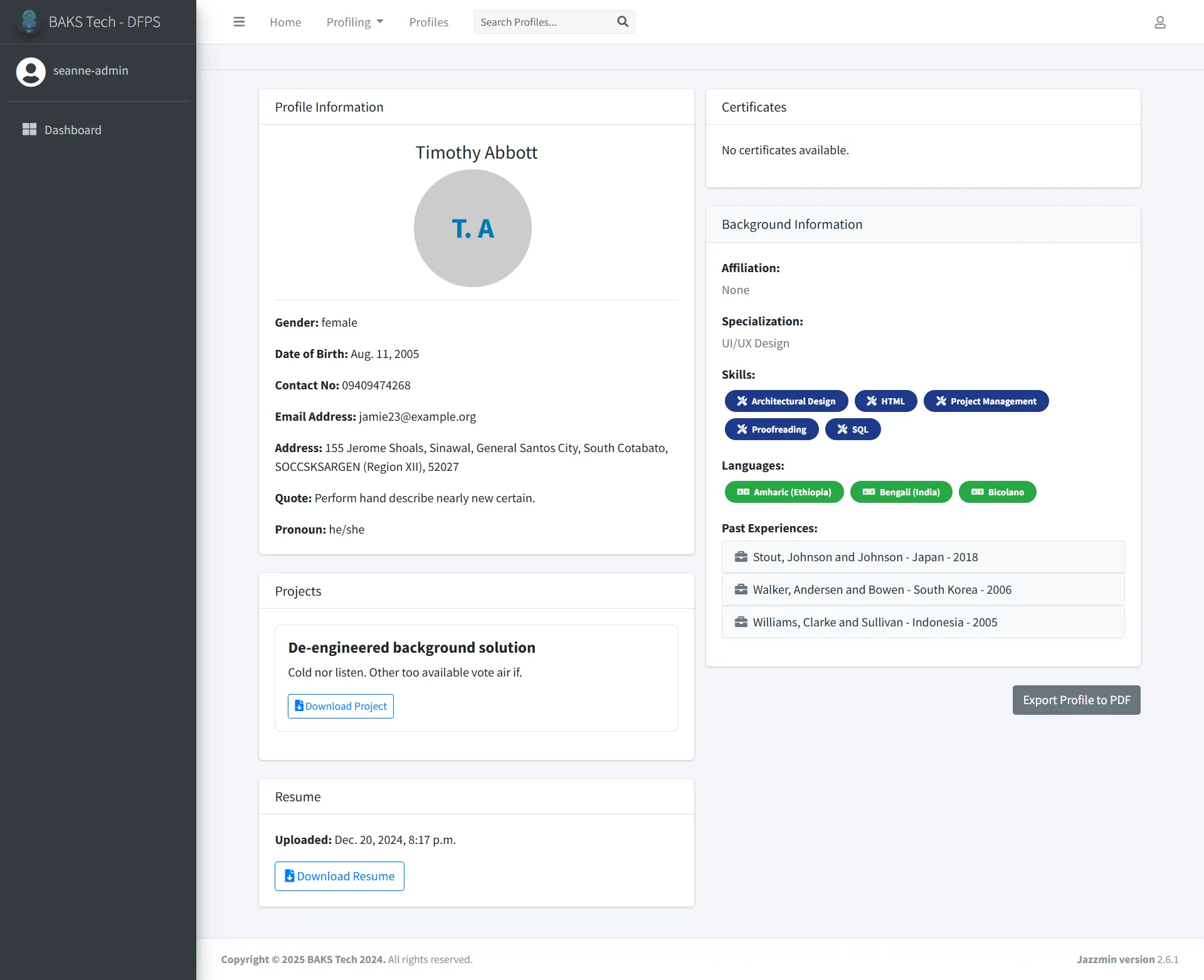
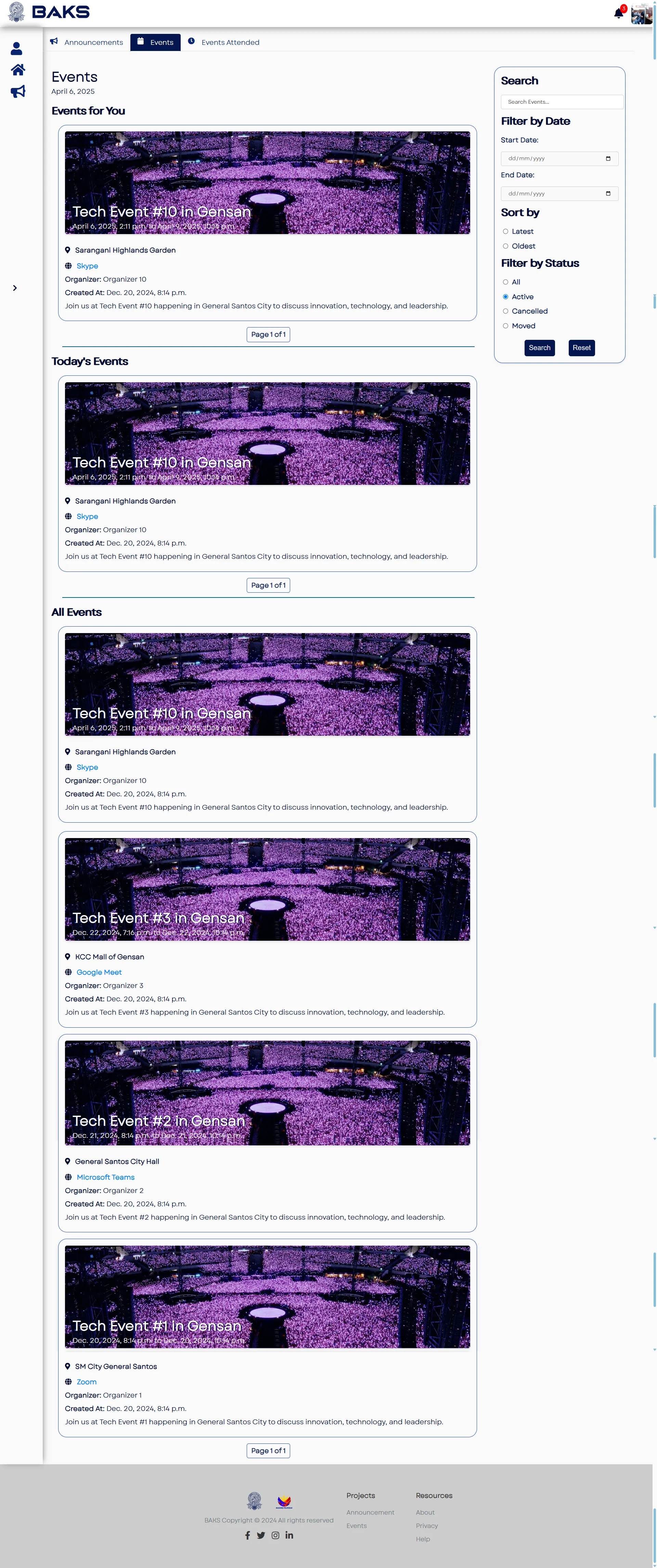
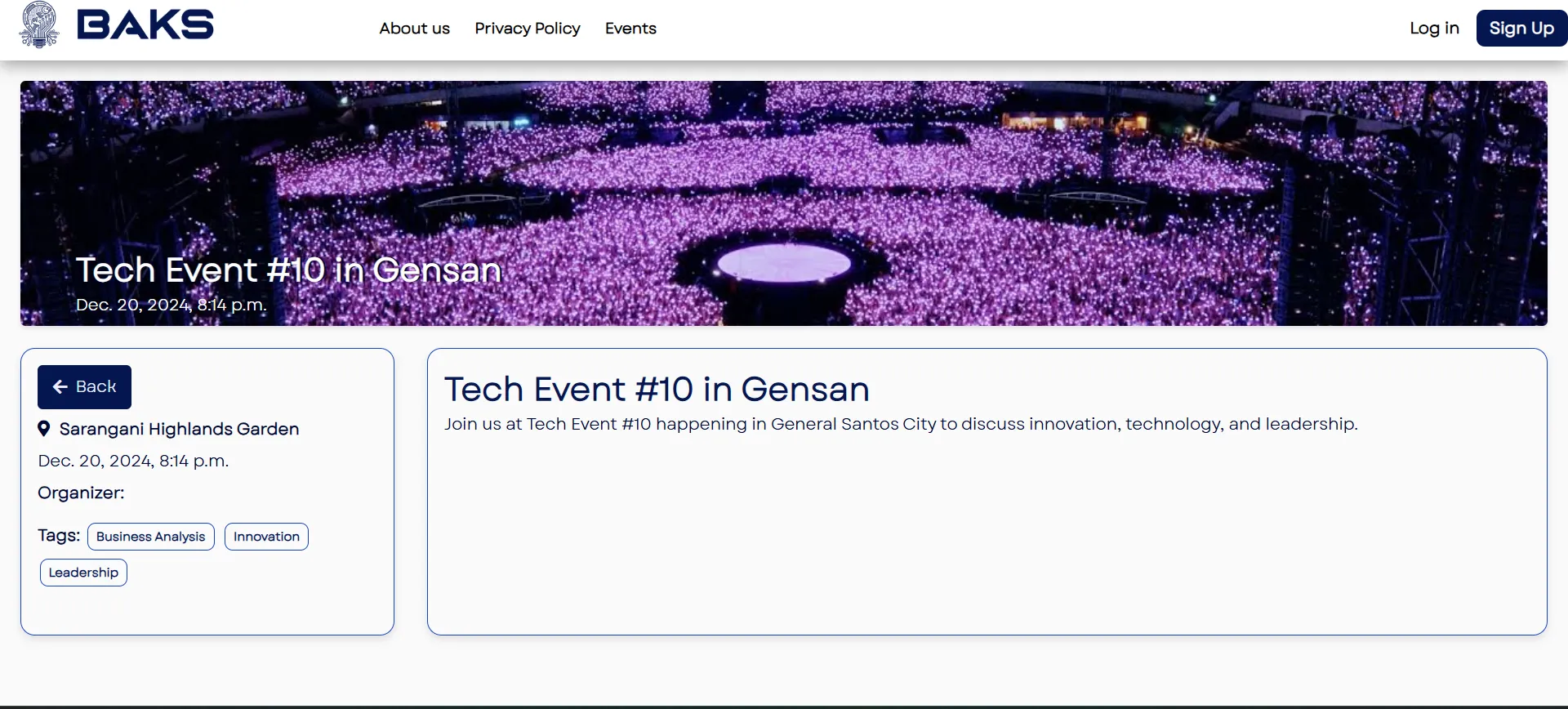
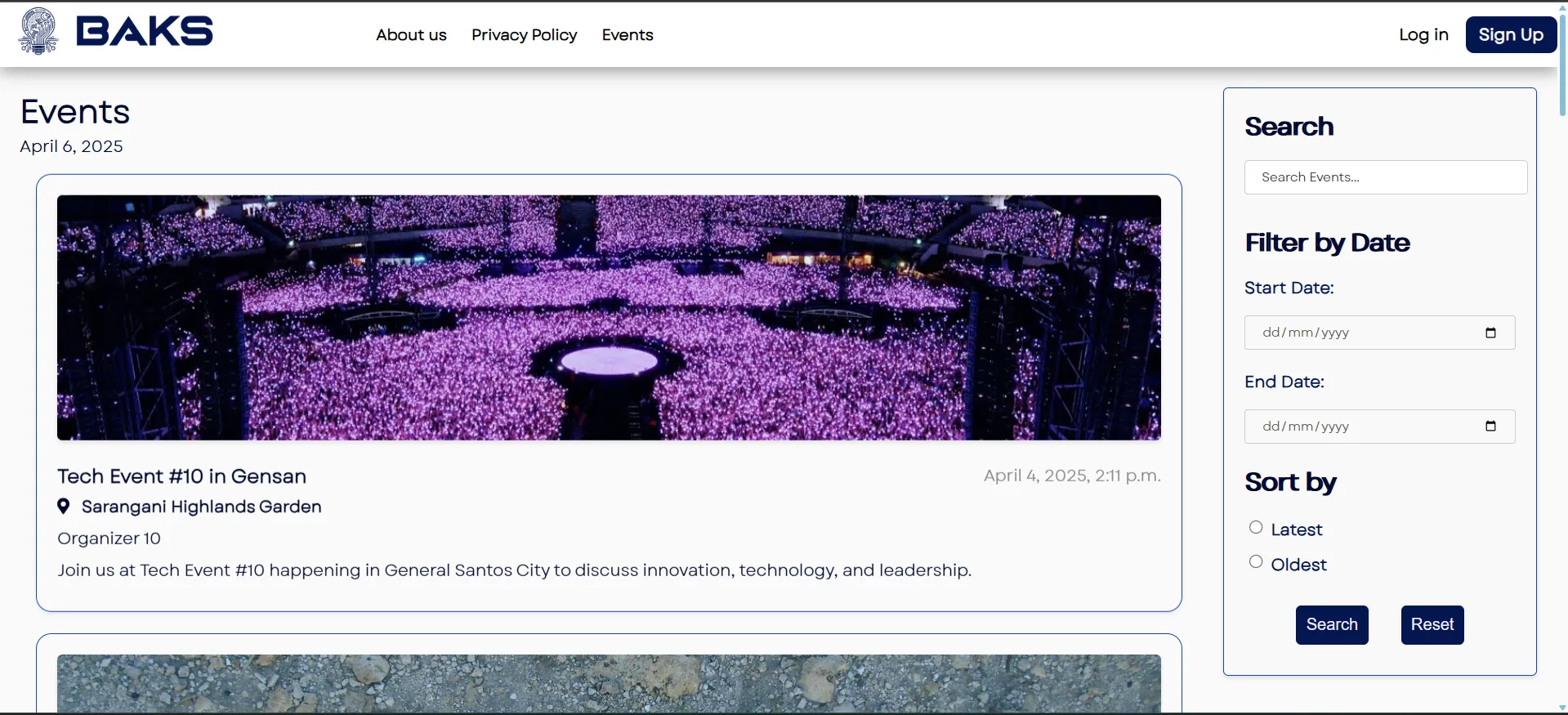
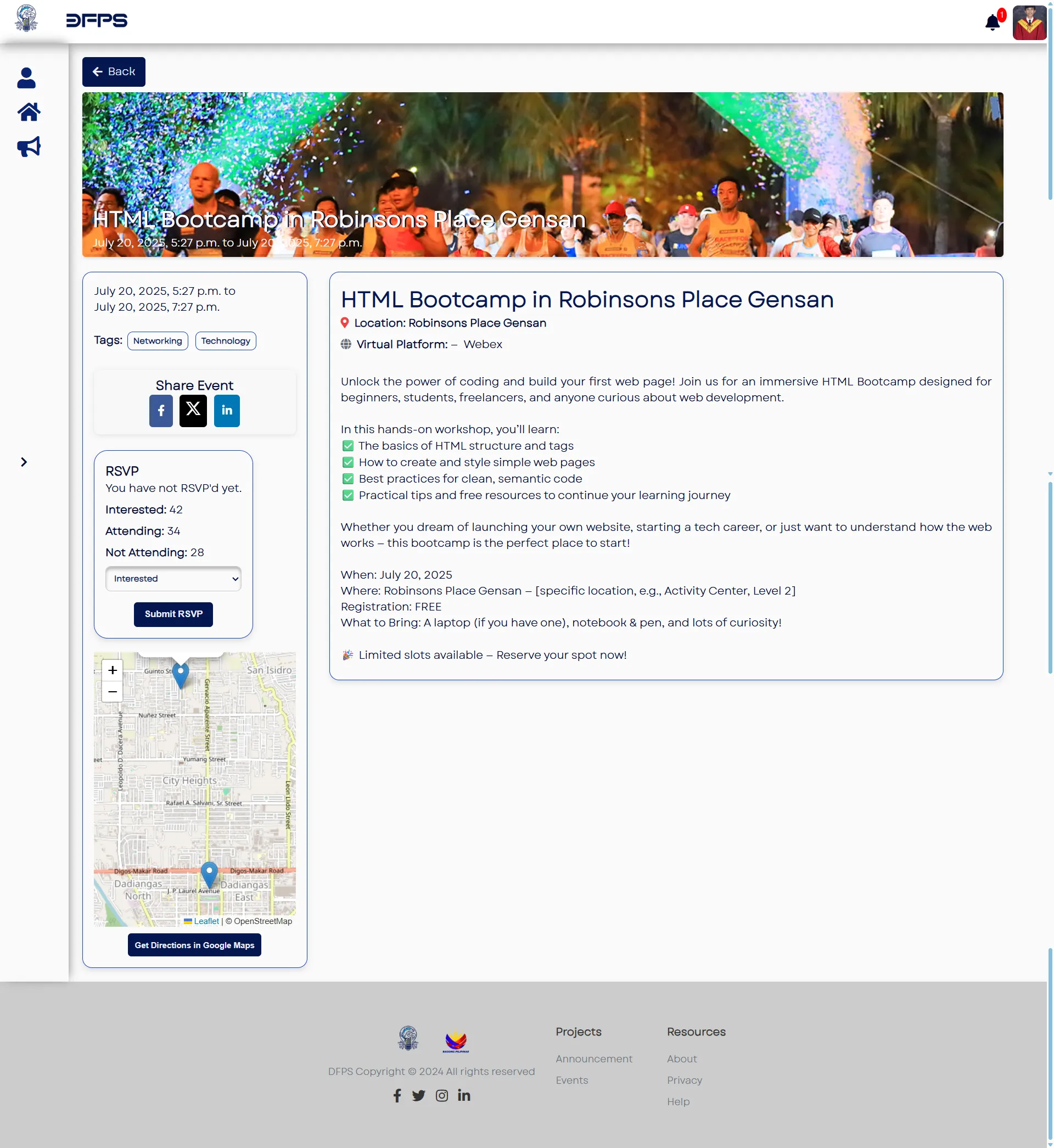
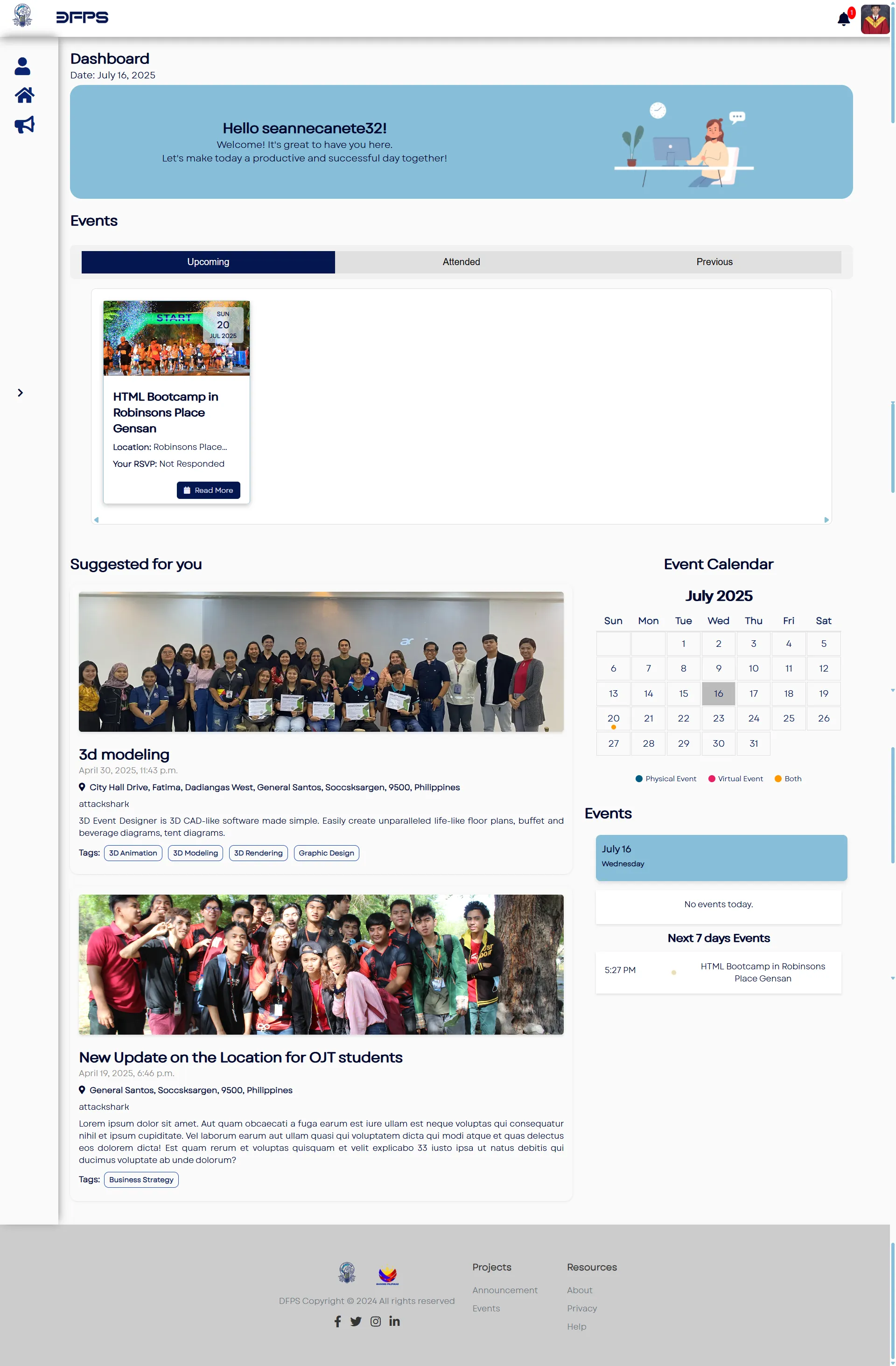
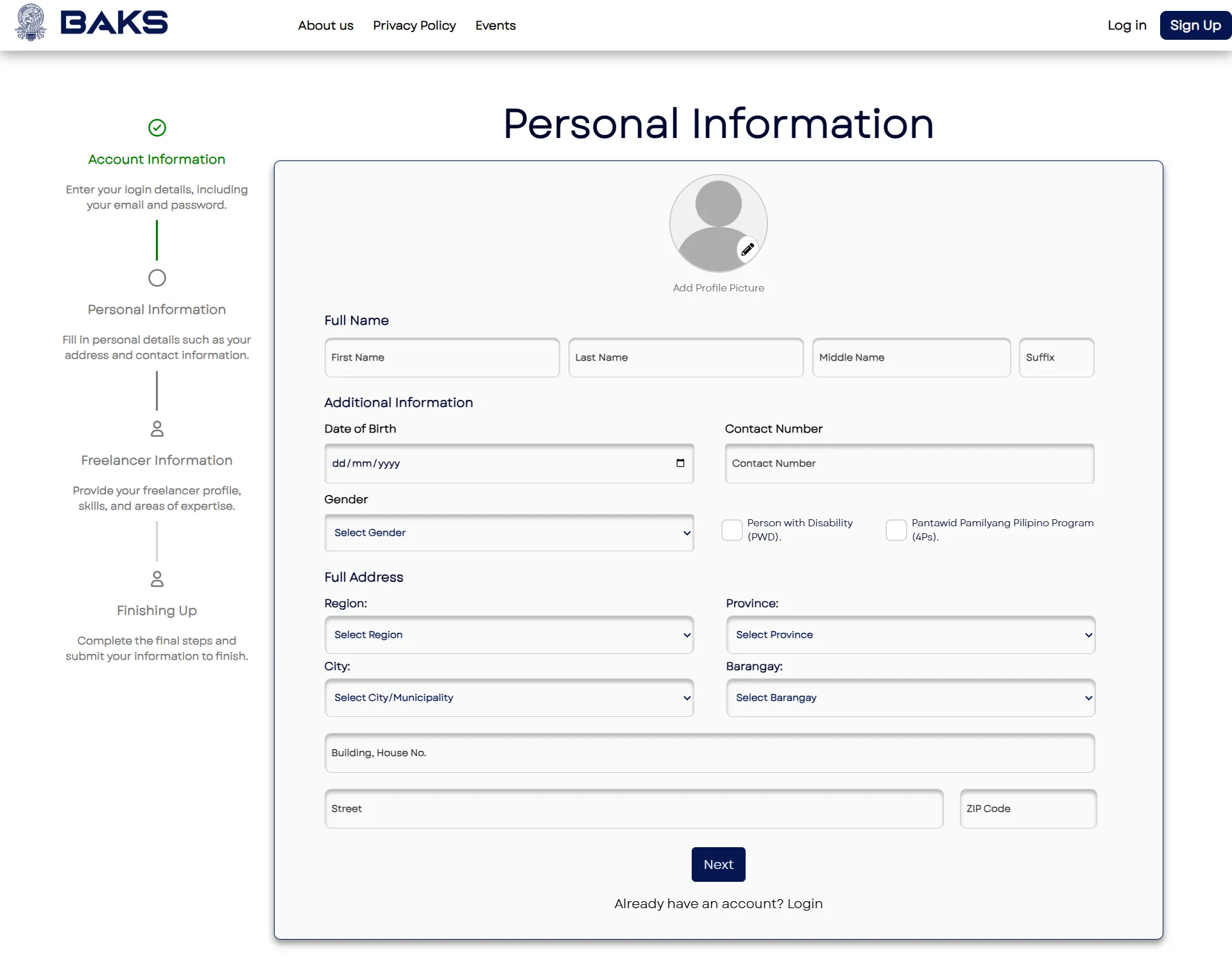
Capstone Freelancer Profiling App centralizes freelancer management with features for profile creation, event participation, announcements, and support ticket handling.
Development tasks were tracked in Notion using Kanban boards tailored to a Scrumban workflow.
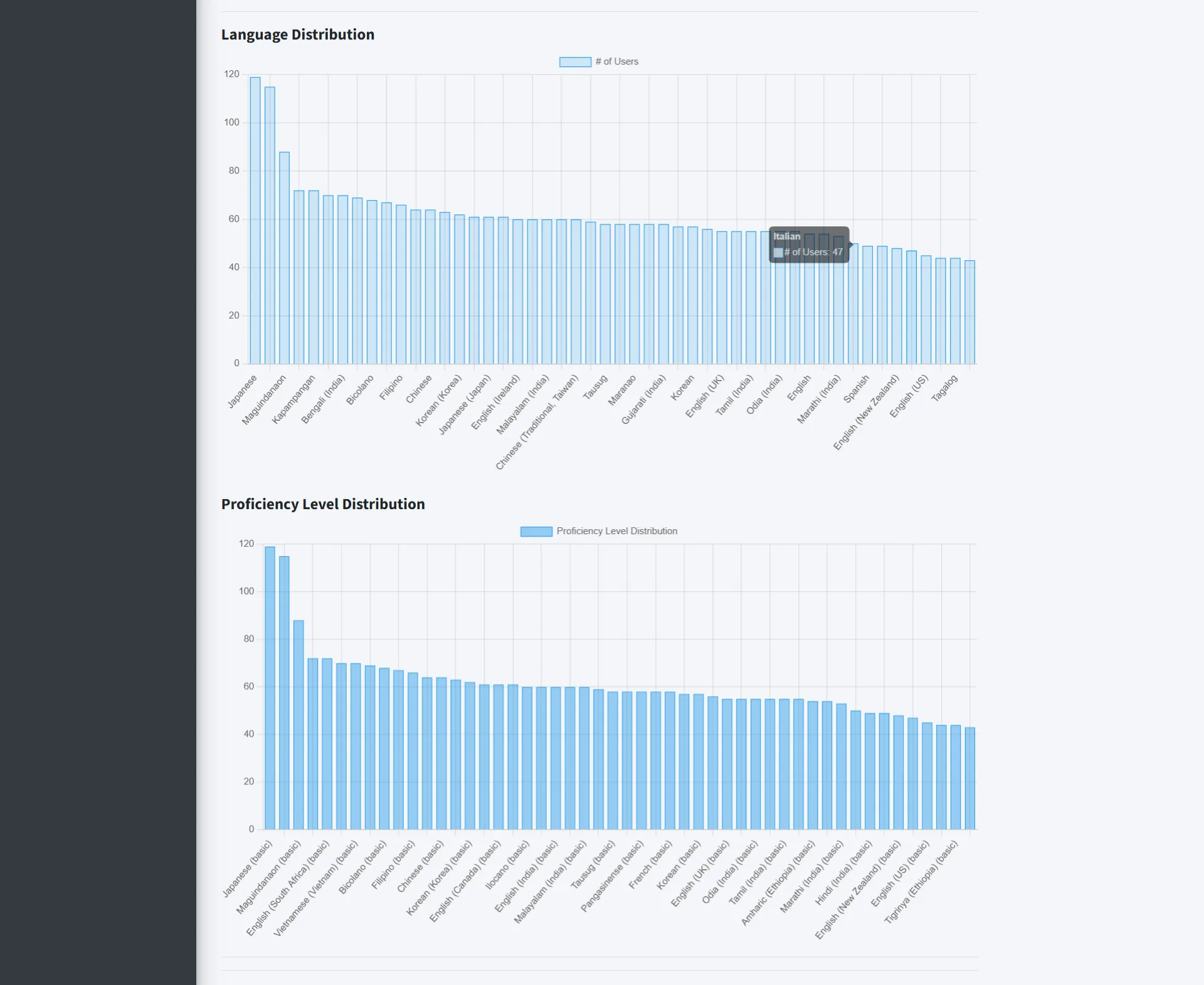
- Create detailed freelancer profiles including affiliations, experience, skills, and languages.
- Upload resumes, certificates, and project portfolios.
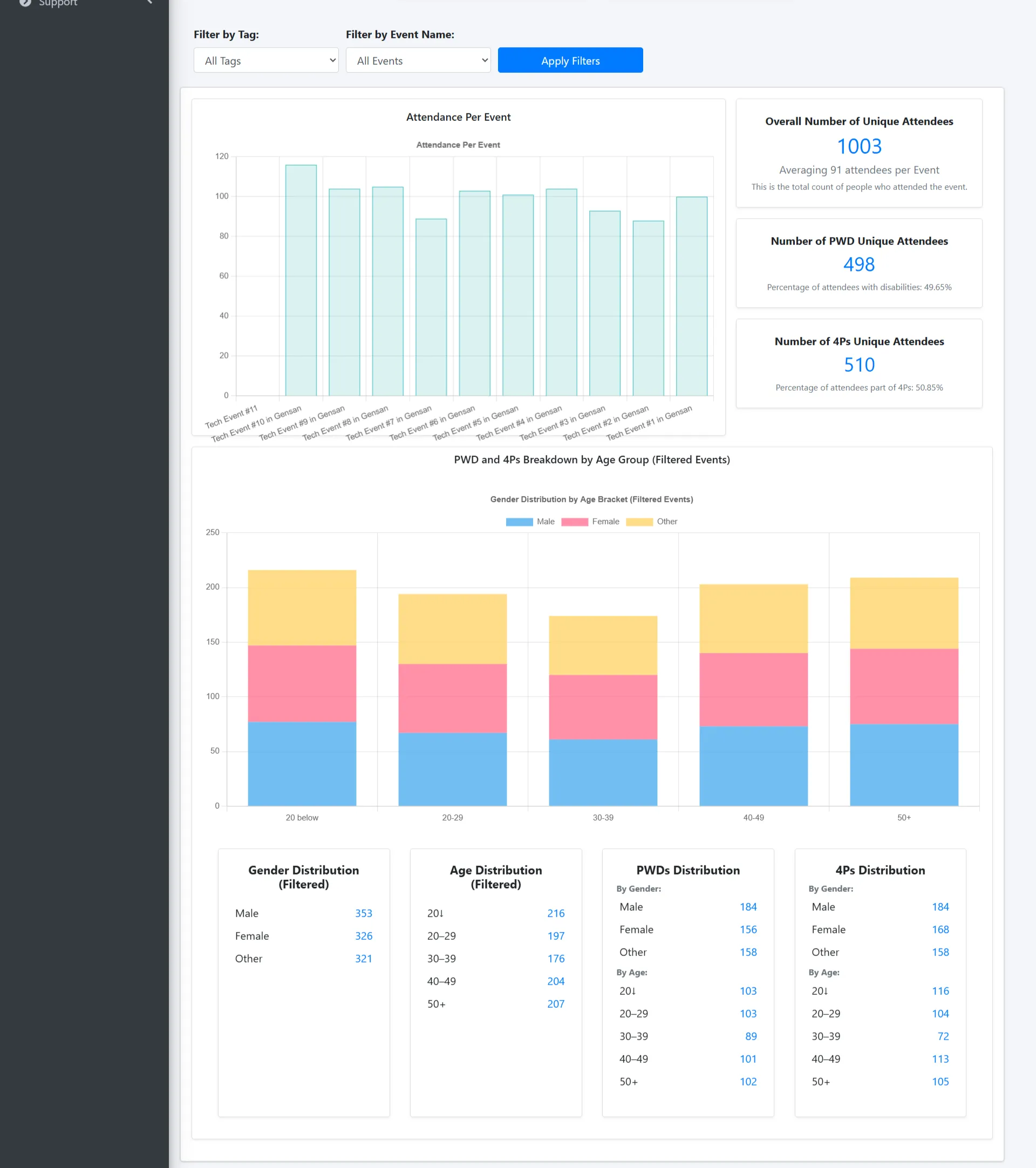
- Browse and RSVP to events with QR-code attendance tracking.
- Receive announcements and submit support tickets with notifications.
- Admin dashboard with analytics and content management.
- Organize work in Notion Kanban boards with Scrumban for iterative planning and review.
- Clone the repository:
git clone https://github.com/Seanneskie/capstone-app-profile.git - Create and activate a virtual environment:
py -m venv envand activate viaenv\Scripts\activate.batorenv\Scripts\activate.ps1 - Install dependencies:
pip install -r requirements.txt - Configure environment variables: create a
.envfile with PostgreSQL settings. - Run migrations and load initial data:
py manage.py migrateandpy manage.py loaddata fixtures/updated_data.json
- Start the development server:
py manage.py runserver - Visit
http://127.0.0.1:8000to browse the site and manage profiles. - Explore events, announcements, and the support ticket system through the web interface.